
The StarJot journal
StarJot 2.0 is here: faster, calmer and more connected
StarJot 2.0 is out. This is the biggest update we've shipped: a rebuilt editor, a new way to see and rearrange a note, tags at the top of the note and backlinks that work both ways. There are quality-of-life improvements throughout, too. The app is faster, calmer and more connected.
A new editor
The editor has been rebuilt. Blocks are more capable, touch editing feels natural and the whole app is faster. Typing has that immediate, physical quality we were after: every key lands, and the cursor never falls behind.
The big new trick is selecting across blocks. Drag from one paragraph through a heading and into another, and the selection is a real text range, not a group of blocks. Copy, bold, italic and delete work across the whole range. Underline sits beside Bold and Italic, inline code gets its own background, and everything feels snappy and refined.
List view
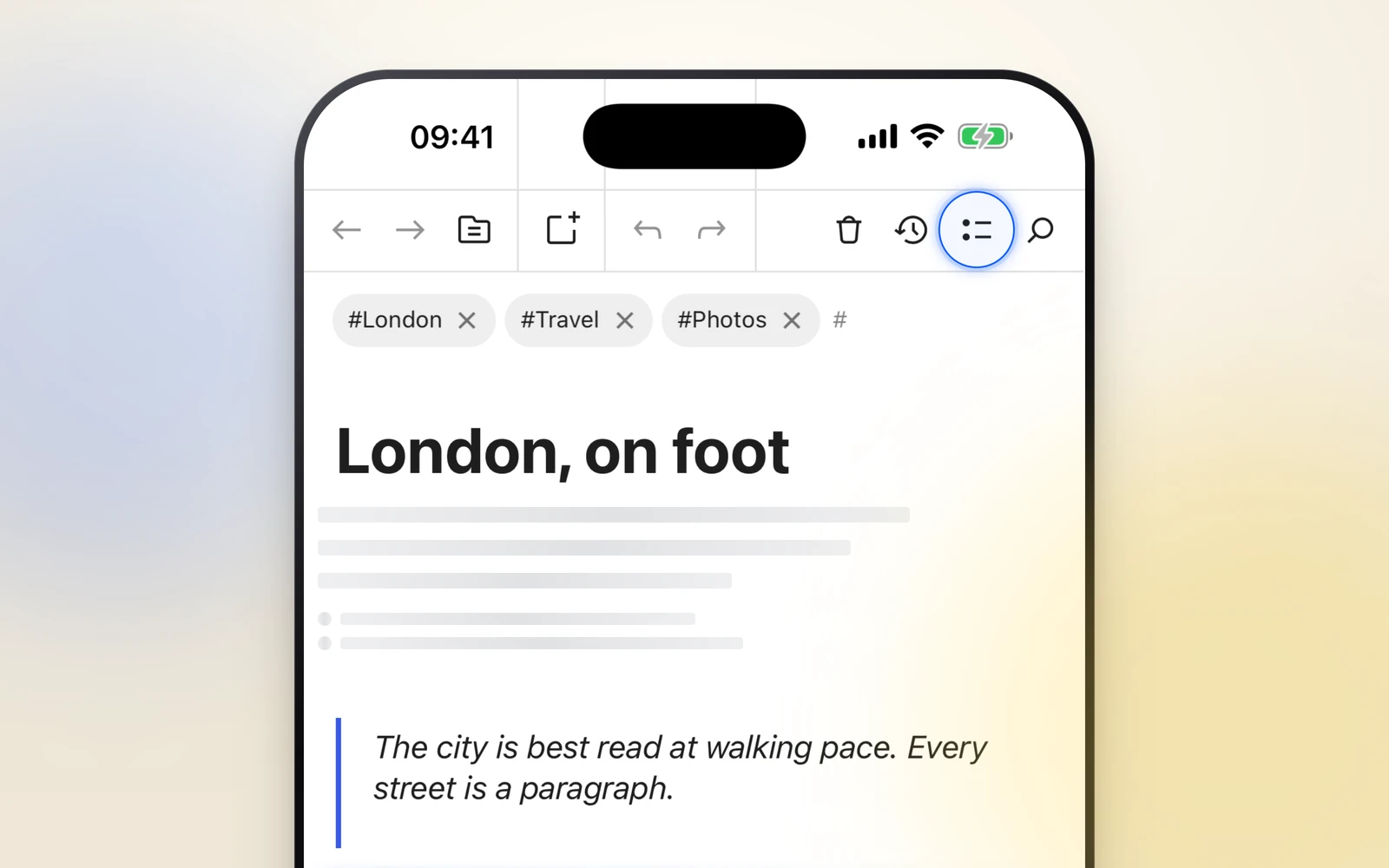
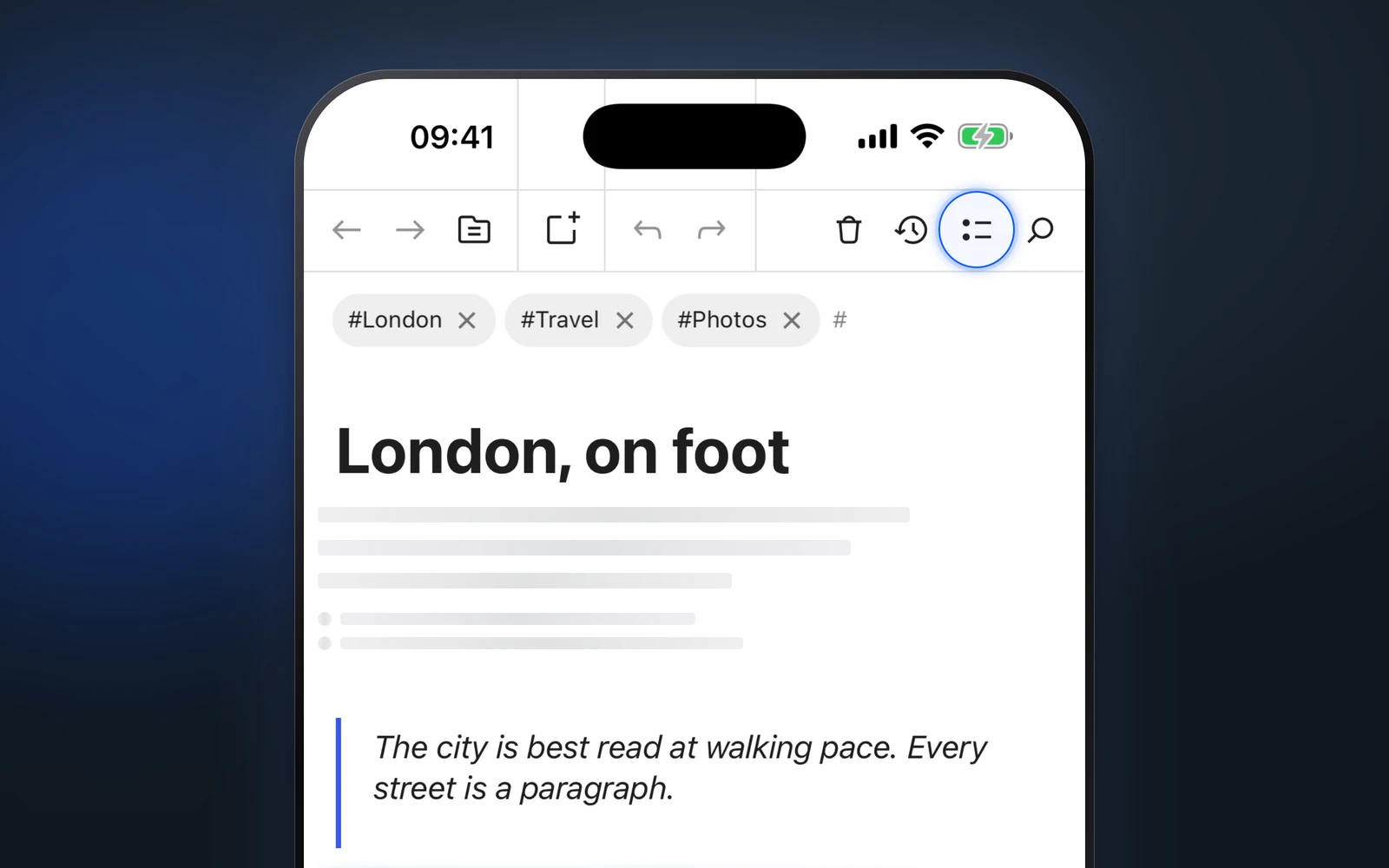
The new List view is one tap away in the toolbar. It turns a note into a clear outline. Select one block or a whole range, then move the lot up or down. Nested blocks stay together, so a section keeps its shape. The up and down movers are always in the toolbar, and selecting several blocks with your finger lets you move them all at once.
Moving things around is a delight. No cutting. No pasting. It's the fastest way to reshape a note without losing your place, and it makes a long note feel as flexible as a short one.
Tags that belong to the note
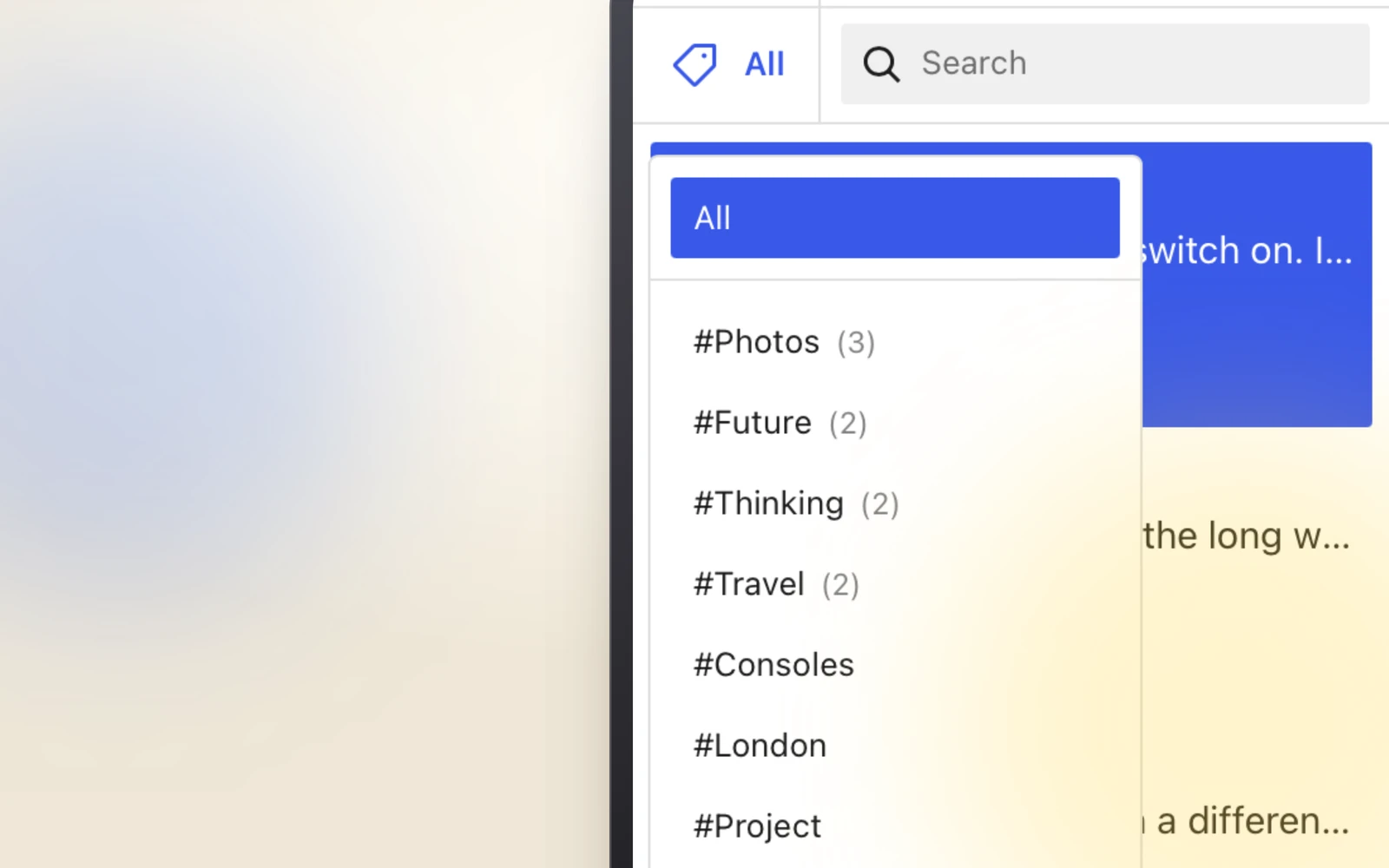
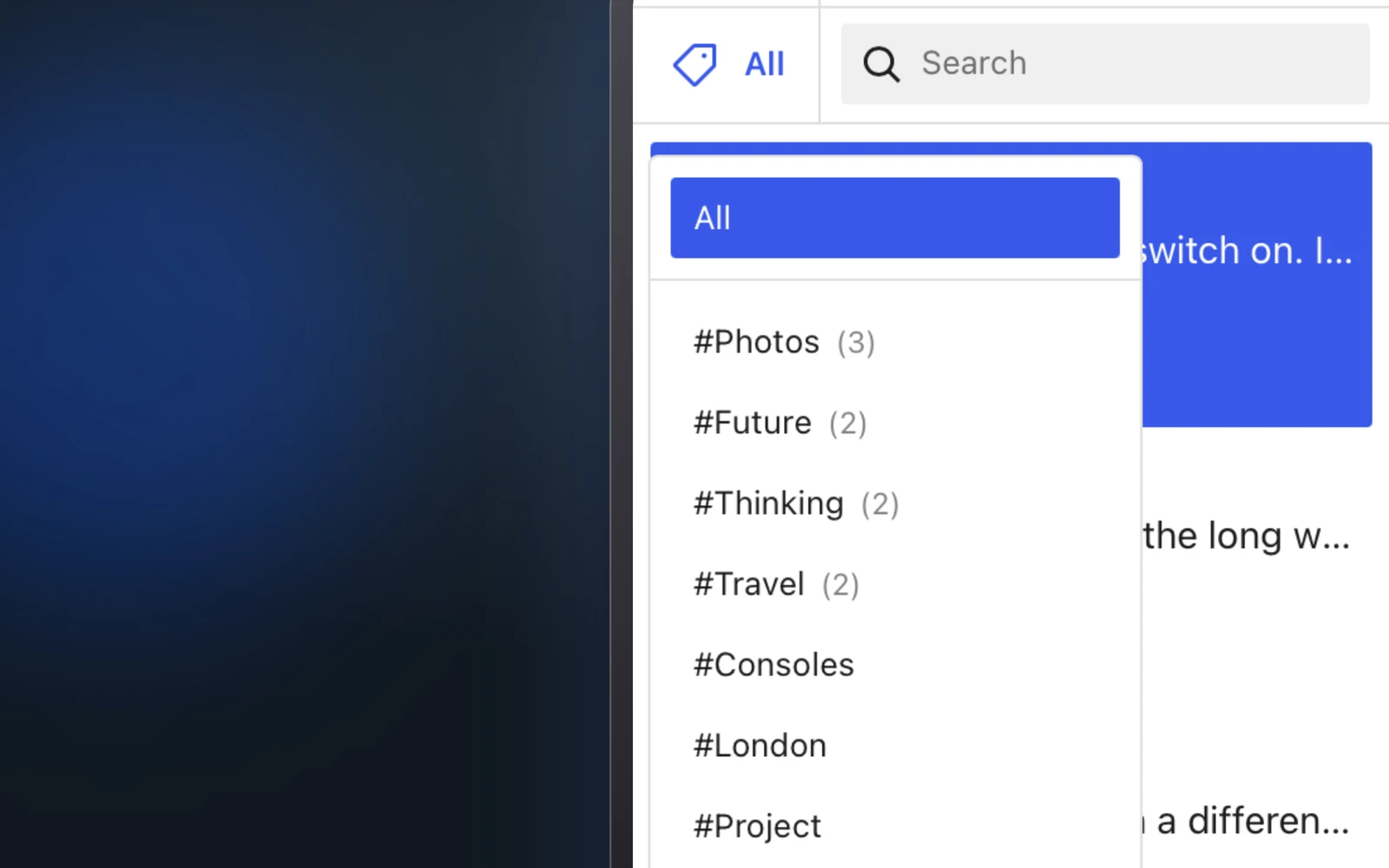
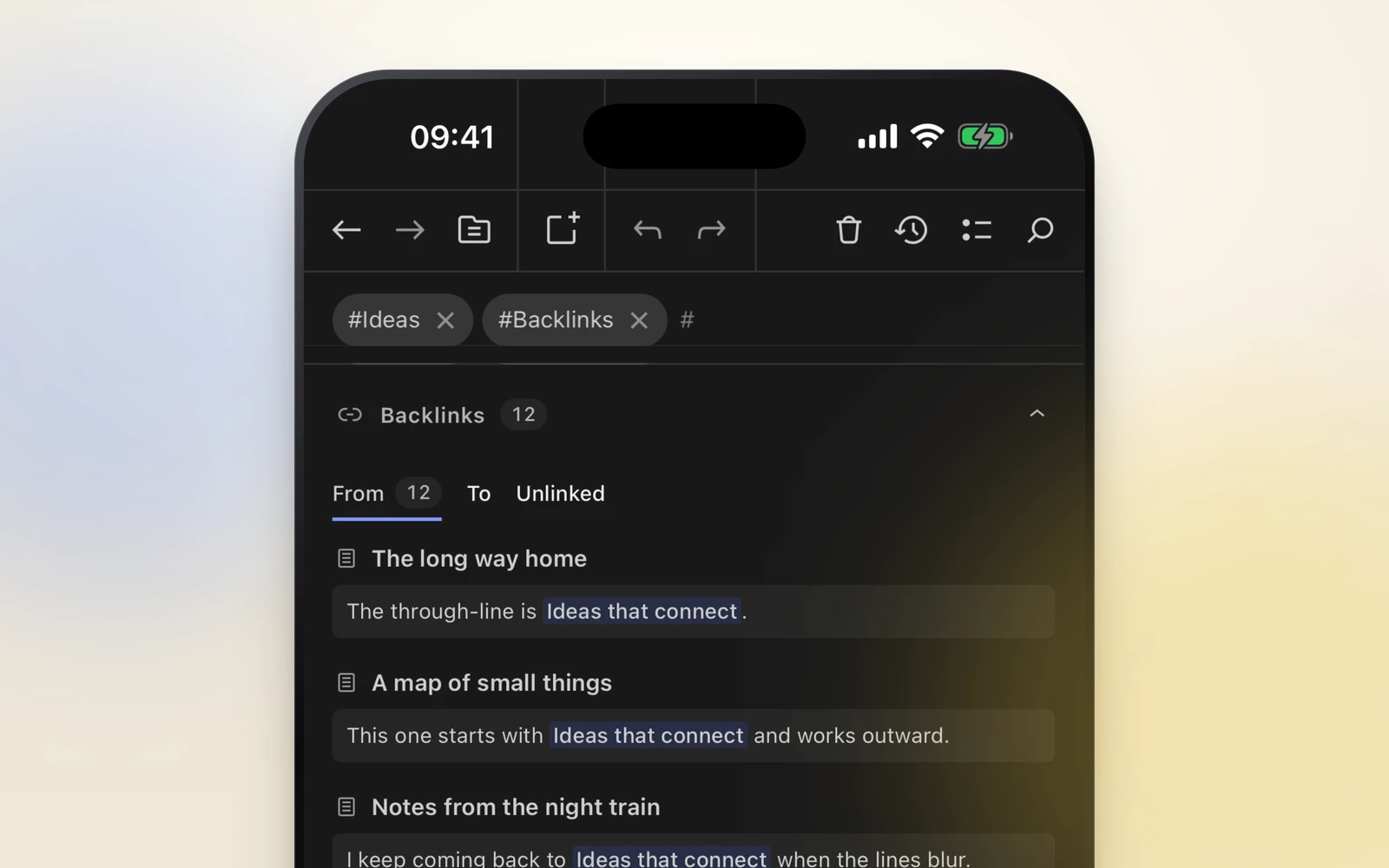
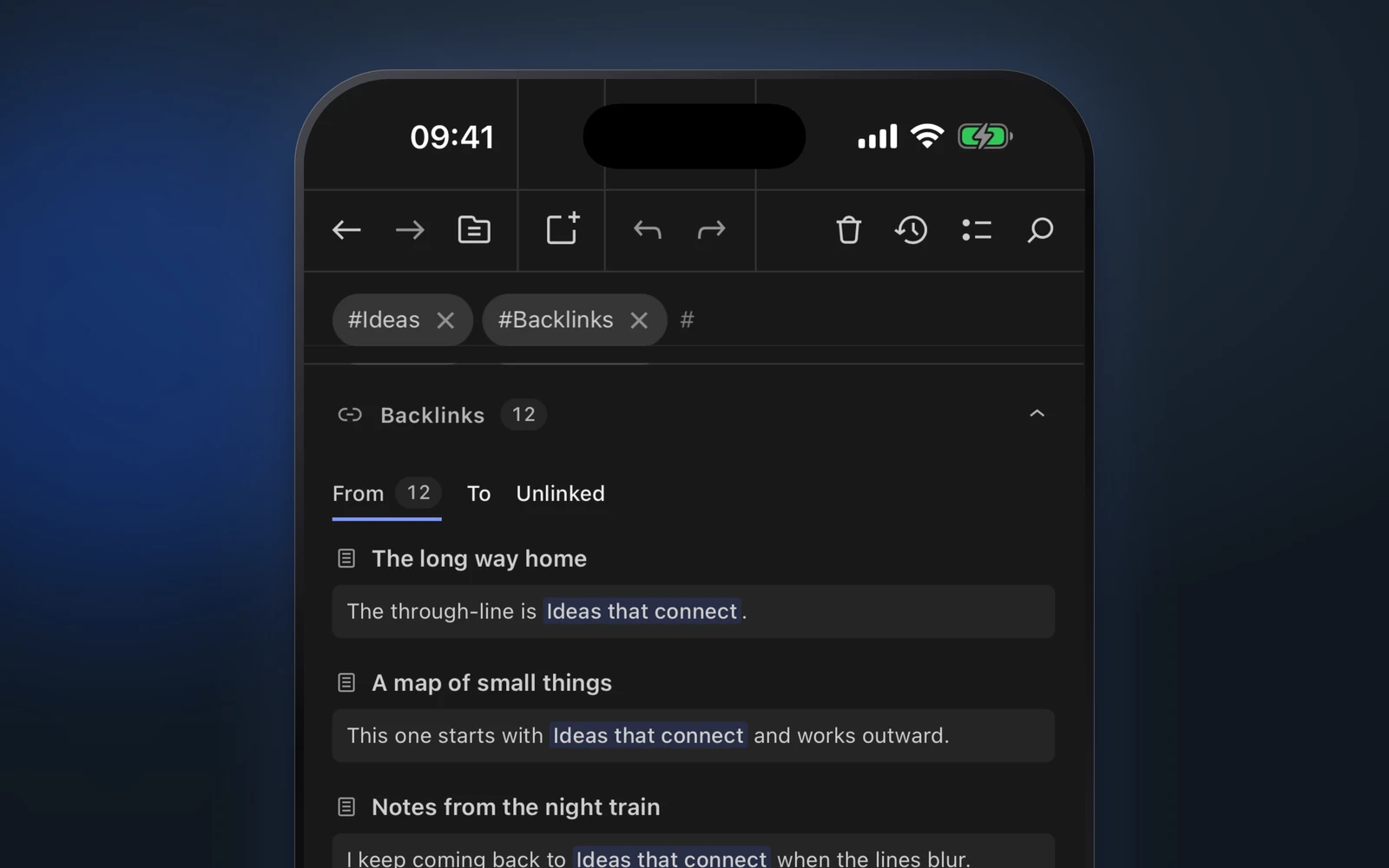
Tags used to live in the prose. Now they live at the top of the note, and the tag row is the place to manage them. Type a tag and the # is already there; the picker ranks your tags and remembers recents.
#archive and #skip file a note out of the sidebar without hiding it. They are still searchable, still linkable. They just don't clutter the list.
Links that stay connected
Backlinks now work both ways. See what links here, what this note links to, and the mentions that are not links yet. From, To and Unlinked, with counts in the note list. Unlinked mentions are the quiet win: the note that mentions an idea without linking to it is often the connection you were about to miss.
One click opens the link UI; the title navigates and the pencil edits. Every note remembers its scroll position, and Back and Forward keep the trail.
Find the note you meant
Search looks through the whole notebook at once and shows the first five matches from each note. Show more expands a note to 50 matches. Notes filed with #archive or #skip still come back, and dot notes are still reachable: type [[, then a dot and three characters.
Built for bigger notebooks
The whole app stays quick however big the notebook gets. We tested over 30,000 notes; the sidebar still scrolls cleanly. The start screen is roughly twice as fast, and notes load in an instant.
This is the part you feel every day. Speed is not a benchmark; it is the difference between writing the thought down and letting it go.
Your notes are still plain files
The new features sit on the same foundation as before: a file in the folder you choose. Nothing is locked in a proprietary format.
Light, dark or system
Choose a look in Settings, or let StarJot follow your device through the day. The editor, inserter, link editor, menus and dialogs all follow instantly.
A new start screen
The start screen is now the StarJot paper page. Pick your folder and start jotting.
The quality-of-life bits
Some of the best changes are the ones you only notice when they are missing.
The link UI now opens every time. The whole link button is clickable, not just the word, and the preview follows the first click. It sounds like a small thing. It took hours of testing to get the hit area and the tap handling right. It's a delight.
The rest of the small stuff adds up:
- Search keeps your query when you close the sidebar.
- Every note remembers where you were.
- The tag picker remembers your recent tags.
Still no account. Still no subscription.
StarJot is still local-first. Your notes live on your device and in iCloud. There is no StarJot account, no StarJot server and no tracking. The app is yours, and so are your notes.
Capture. Connect. Done.